Brecon

Desktop modeling and linear elastic analysis for 2D/3D frames and axial-only trusses, using PyNite and Qt. This manual covers building models, assigning properties and loads, running analysis, interpreting results and using automation.
Brecon 1.0.0rc4 release candidate
Brecon is the new name for PyniteGUI. This manual follows the source checkout; see the release record for published artifacts and platform validation. Existing PyniteGUI projects remain compatible. Surface/plate workflows remain experimental; see the release record for validation limits.
Start Here
- Install and launch.
- Run your first beam model and check its reactions.
- Use the feature index to find a workflow, or search for a tool name.
- Read the engineering limits and PyNite capability coverage before relying on results.
Workflows
| Task | Documentation |
|---|---|
| Draw, select, edit, split and connect members | Modeling, 3D workflow |
| Assign materials, sections, supports and releases | Properties, supports, releases |
| Apply point, angled, uniform, triangular and partial loads | Loads, cases/combinations, self-weight |
| Solve and inspect results | Analysis, linked tables, envelopes |
| Export numerical data and reports | CSV and printing/PDF |
| Create meshes and place slabs against a frame | Mesh catalog, main-model placement, plate-only analysis |
| Control the open desktop application | Optional MCP server |
| Fix blank or interrupted 3D rendering | Graphics recovery, NVIDIA/Wayland |
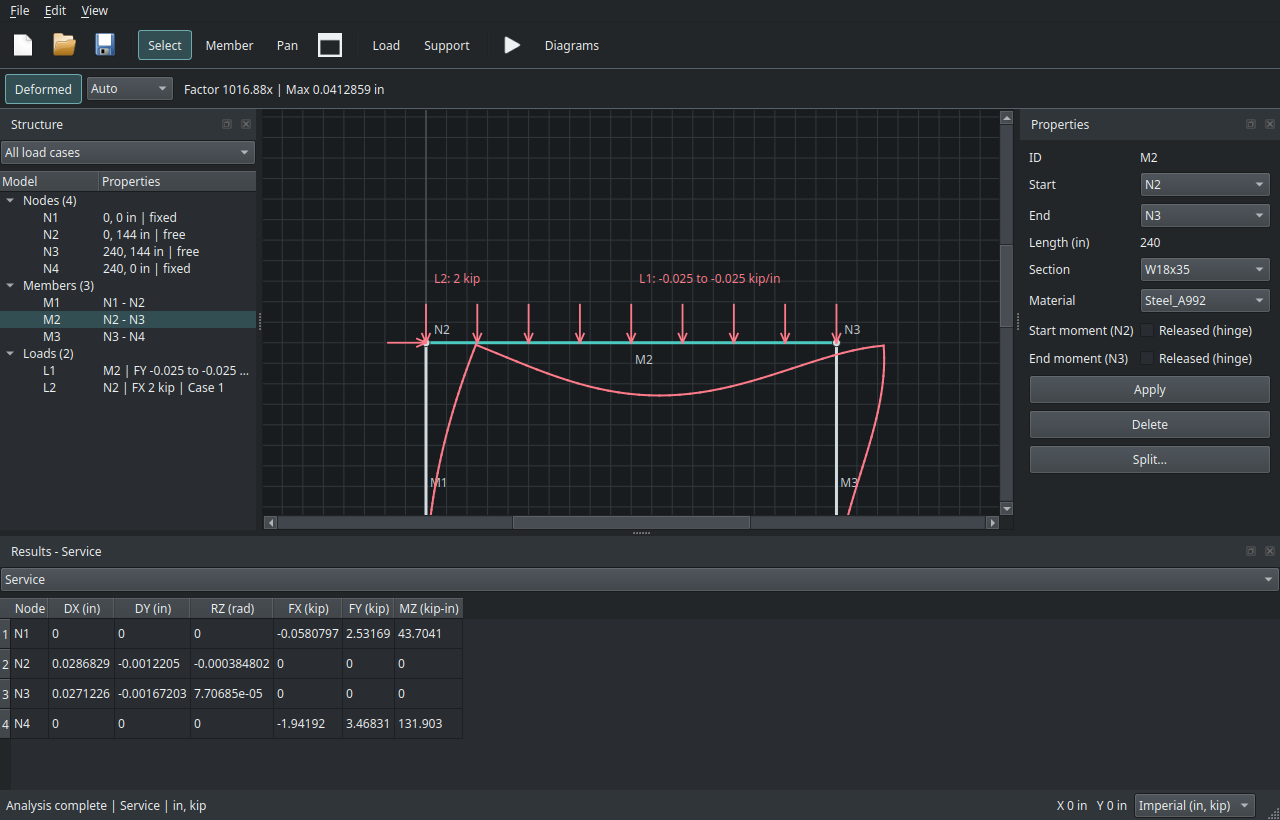
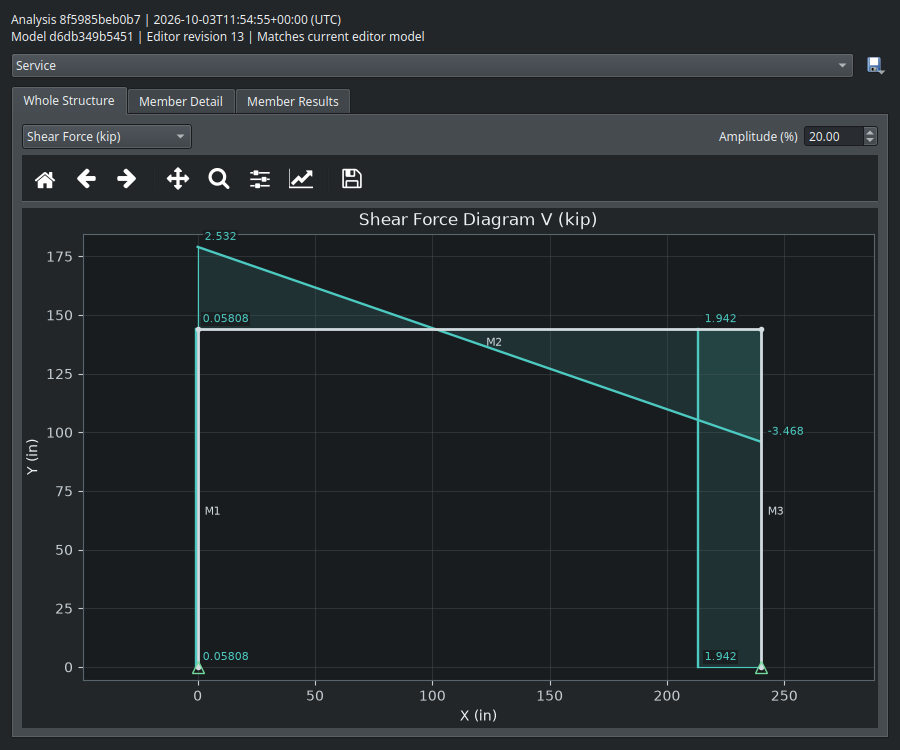
The Desktop Application
Status and Development
The roadmap distinguishes implemented GUI workflows from engine capabilities not yet exposed. Changelog tracks development; release validation records platform gaps. Model libraries are starter/reference data, not comprehensive design-code catalogs. Independently verify geometry, units, stability, conventions and engineering results.
Source code and issue reports: GitHub repository.