CSV and Printable Reports
The Save icon in each native plot's pan/zoom toolbar offers PNG or SVG for the displayed figure: 2D Whole Structure/Member Detail, spatial Member Detail and combination-envelope Member Curves. It exports the current view, including display settings and inspection lines. PNG is raster; SVG is vector. Both add a visible analysis-ID/method/combination/unit stamp. Embedded image metadata also records the analysis time, model signature, plot/member/inspection context and source project basename (not its full path). Envelope images identify the checked combinations, independently of the single-combination selector. Select at least one combination before saving an envelope.
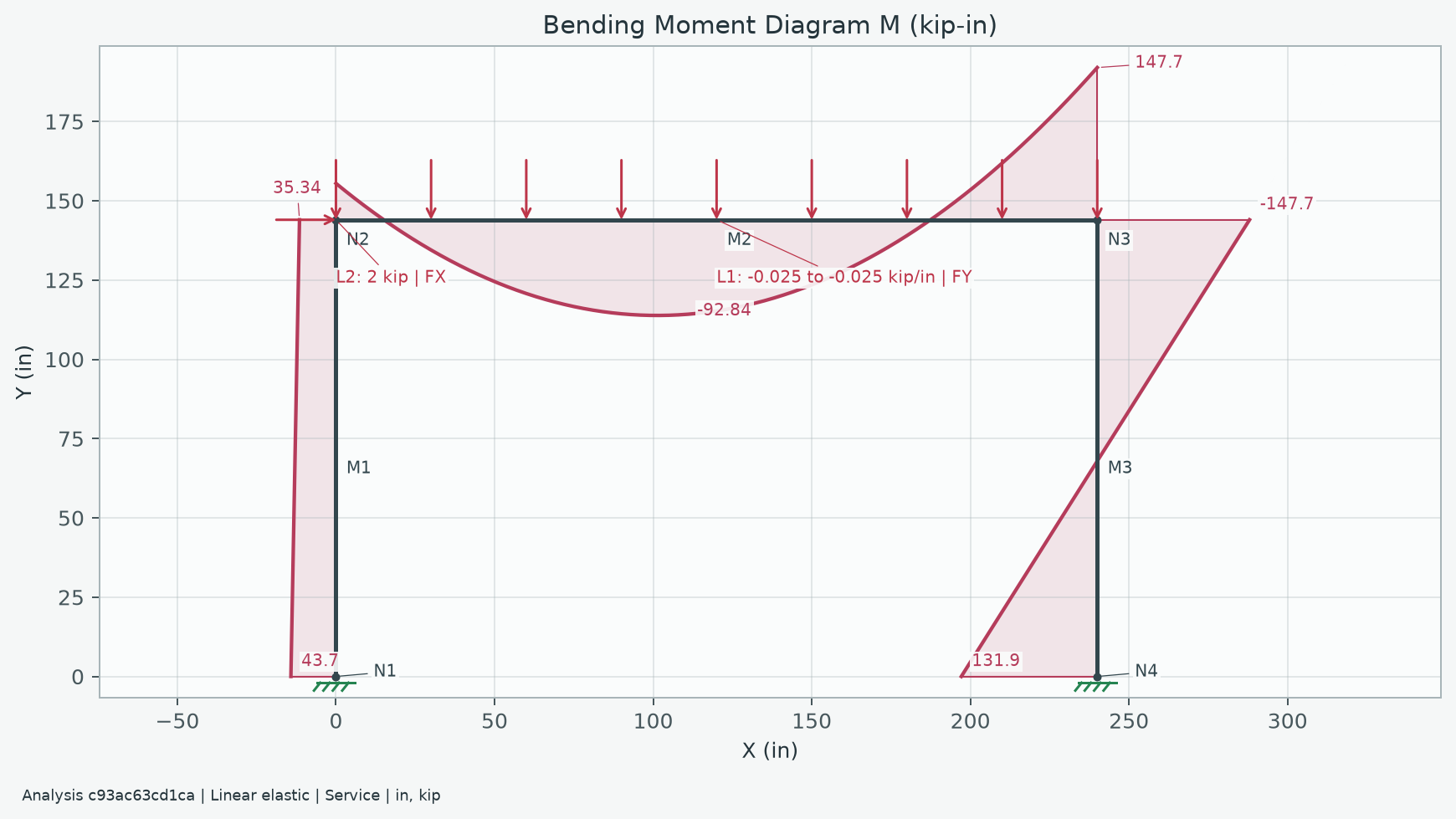
The footer belongs to the exported image; saving leaves the live figure's zoom, inspection lines and layout intact.
Retained diagram windows export their retained analysis, even if the editor has changed. The stamp describes that snapshot and does not certify the current editor model. Saving does not analyze or edit the model. Cancel writes nothing; an unsuccessful save preserves an existing destination file. Choose a .png or .svg filename; if no extension is entered, the selected format supplies it. Other Matplotlib formats retains the backend's existing formats (enter their extension, such as .pdf); these receive the visible stamp, while embedded analysis metadata is provided for PNG/SVG. The offline 3D viewport's separate PNG capture remains a viewport screenshot, not this native Matplotlib plot-export workflow.
Print options include independent diagram IDs, end values and sampled extrema for both 2D and spatial projections. Native diagram/view choices initialize the report checkboxes when available; changes in the report dialog stay local to that report. Default programmatic reports still show all three label groups.
- File > Export Results saves node reactions/displacements or member end/extrema values as CSV in the selected units and combination. Files include source, analysis ID, UTC timestamp, model signature, and unit system. Undefined joint rotations export as n/a; CSV/report metadata also identifies the self-weight case and multiplier when enabled. Extrema have no common station, so x is blank. Text identifiers that could be interpreted as spreadsheet formulas are prefixed with an apostrophe; numeric loads/results retain their signs. Print Results first opens content choices for model definitions, node/member results, and selected axial/SFD/BMD diagrams, then opens native print preview. Model definitions include nodes/effective supports, frame/truss assignments and local releases, spring stiffnesses, materials/section properties and provenance, manual and generated unfactored loads, defaults, and load combinations. Diagrams use the selected analyzed combination, snapshot ID, units, and explicitly labelled display side/sign/amplitude. Printing from a diagram window starts with its current diagram settings. Charts use a light print palette even in dark mode and have their own pages. Reports can be printed or saved to PDF through the print dialog. Cancelling content selection does not open preview or change the model.
Source: GUIDE.md. This manual follows the current repository; the published rc1 wheel has a smaller feature set.