Geometry, sampling and prepared data
You can solve simple domains without a geometry file. The built-in domain choices are Interval (a 1D line segment), Rectangle (2D), and 1D space–time for the Burgers initial-value problem. Bounds are physical coordinates used by sampling, derivatives and the network's coordinate mapping.
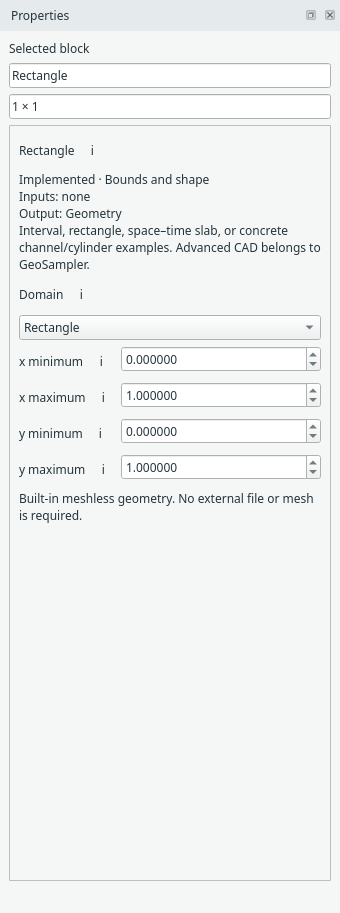
Select the domain block to choose its shape and physical bounds. Open full size.
Interior points and boundary points are separate
Select Interior sampler for the PDE-point count, sampler and seed. Grid, random, Hammersley and stratified sampling are implemented. Current training uses fixed samples per compiled run by default. To adapt interior points during training, replace this block with Residual refinement (RAR) or Residual importance sampling; see the adaptive sampling guide.
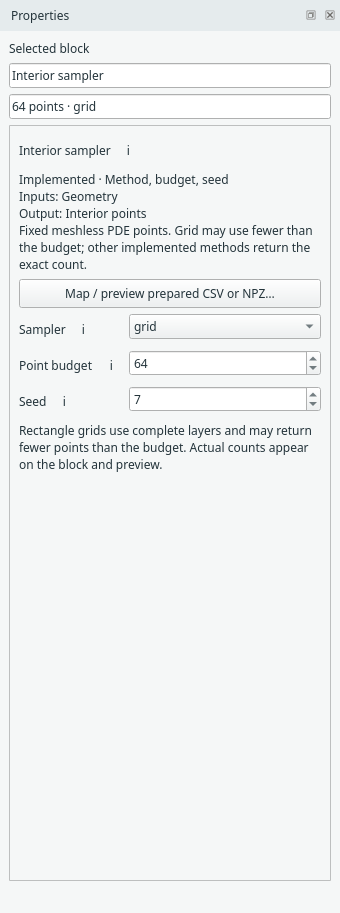
Interior sampler settings control the PDE collocation points. Open full size.
Select Boundary points to choose a named side, sampling method, count and seed. For a 1D line segment, the two boundary sets are its endpoints. For rectangles, each side has its own sampling recipe. This block creates point sets; the separate Boundary condition block assigns the physics on them.
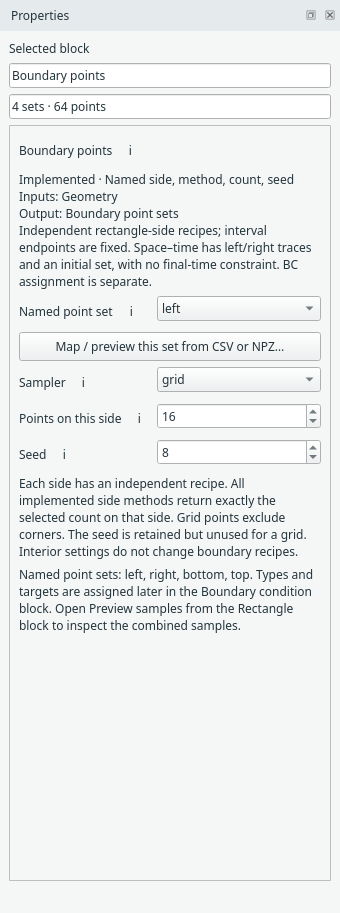
Rectangle sides have independent point-set settings. Open full size.
Right-click the Rectangle block and choose Preview samples to check the basic rectangle's points. The preview is intentionally specific to this geometry; it is not a CAD or general 3D viewer.
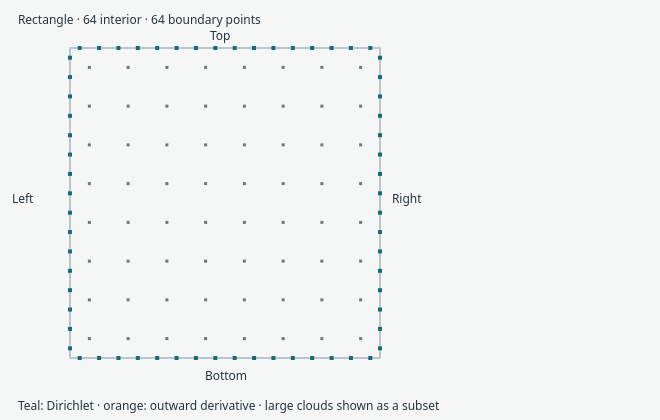
The Rectangle sample preview shows the current interior and boundary samples. Open full size.
Bring prepared CSV or NPZ points
Use the sampler's Map / preview… action. Choose a file, explicitly map its coordinate columns/array, then Preview mapped rows before applying.
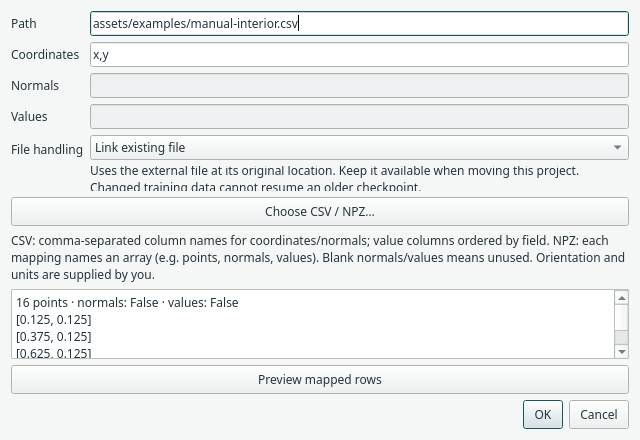
The mapping dialog previews the selected coordinates before accepting them. Open full size.
For a small mapping exercise, choose manual-interior.csv
and set Coordinates to x,y. It has 16 interior points in the unit square.
This is a data-mapping fixture, not an adequately sampled accuracy study. Interior
imports use coordinates only. CSV column names can differ; supply their names in
coordinate order. For NPZ, use the array name, such as points.
Boundary imports can additionally map outward unit normals and supported target values. Make the coordinate orientation and units consistent with your model. The prepared GeoSampler contract covers the supported planar schema and label selection. It does not import arbitrary CAD or FEM meshes.
Training locations are not export locations
Prediction/export blocks use a separate regular grid by default. Random training samples are compatible with VTI export. The separate Evaluation points block accepts supplied CSV/NPZ coordinates and IDs; Reference data provides optional pointwise reference values. Mesh connectivity and direct GeoSampler integration remain planned work.
Next: PDEs and boundary conditions.
For prediction at imported coordinates, use the separate Evaluation points and Reference data blocks. These leave the interior/boundary training samplers unchanged.
Separate prepared training sources
Sampling → Interior data / Boundary data provide dedicated CSV/NPZ source blocks. For non-rectangular steady scalar geometry, select Prepared 2D points and map user-named boundary sets. Assign their conditions downstream; use explicit evaluation points rather than a bounding-box output grid. Try the triangle under File → Examples. See the illustrated guide.
Geometry in an external editor
Use Jorvik geometry for an owned geometry document and explicit NetCDF sample updates. The first supported workflow is planar 2D scalar physics.